Showcase Asset Factory
Explore our high-quality assets designed for your projects.
Texture Library
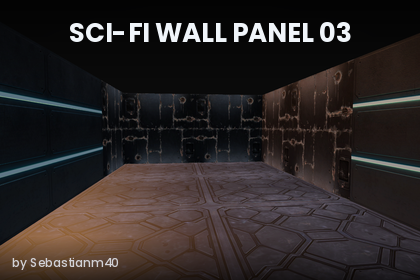
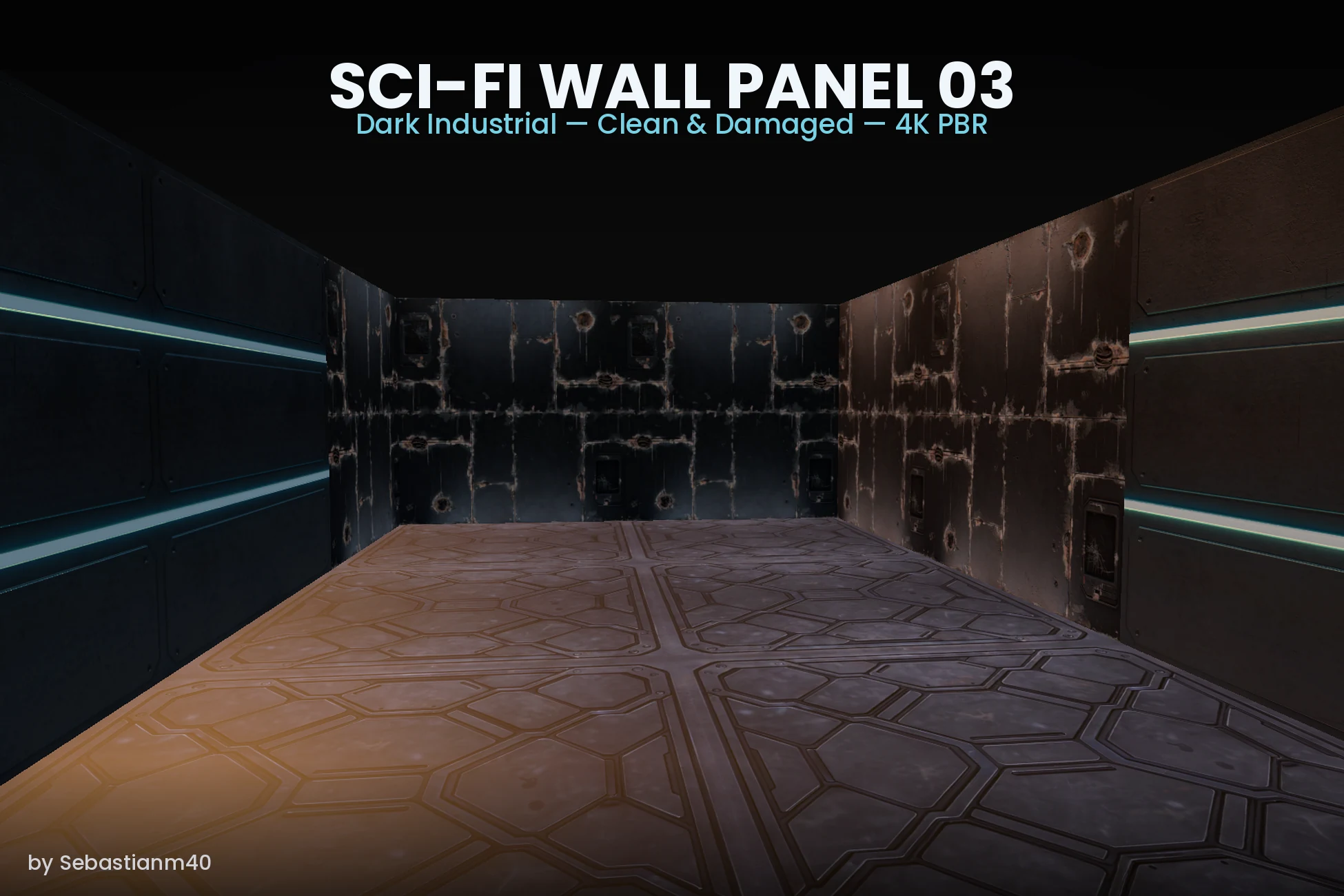
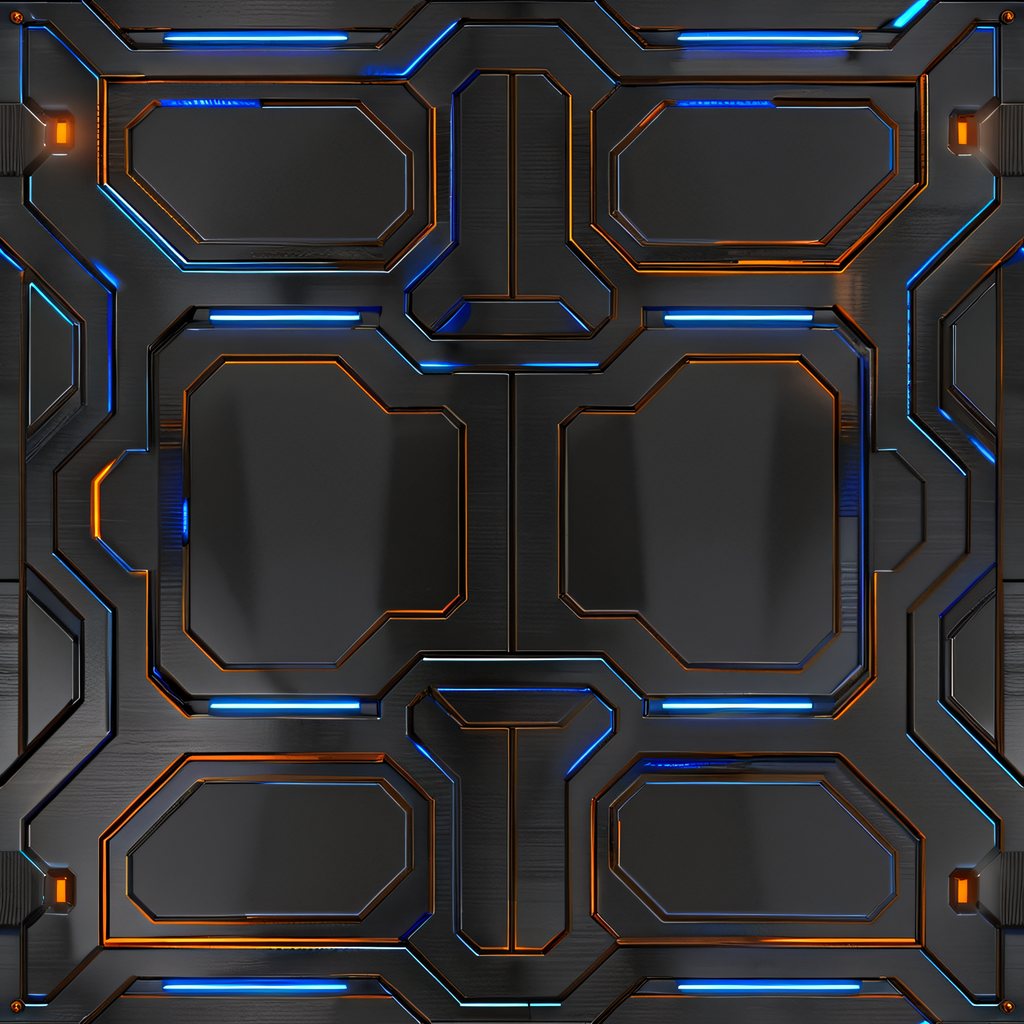
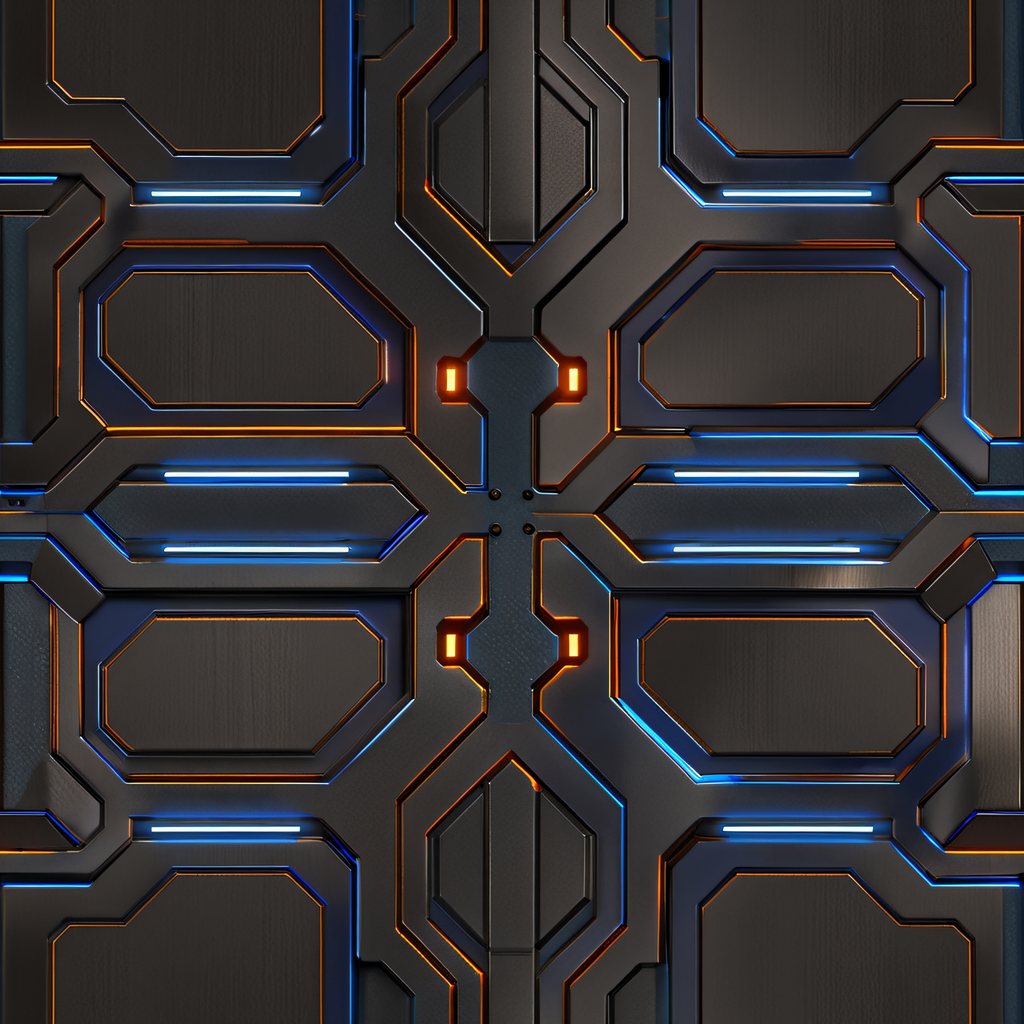
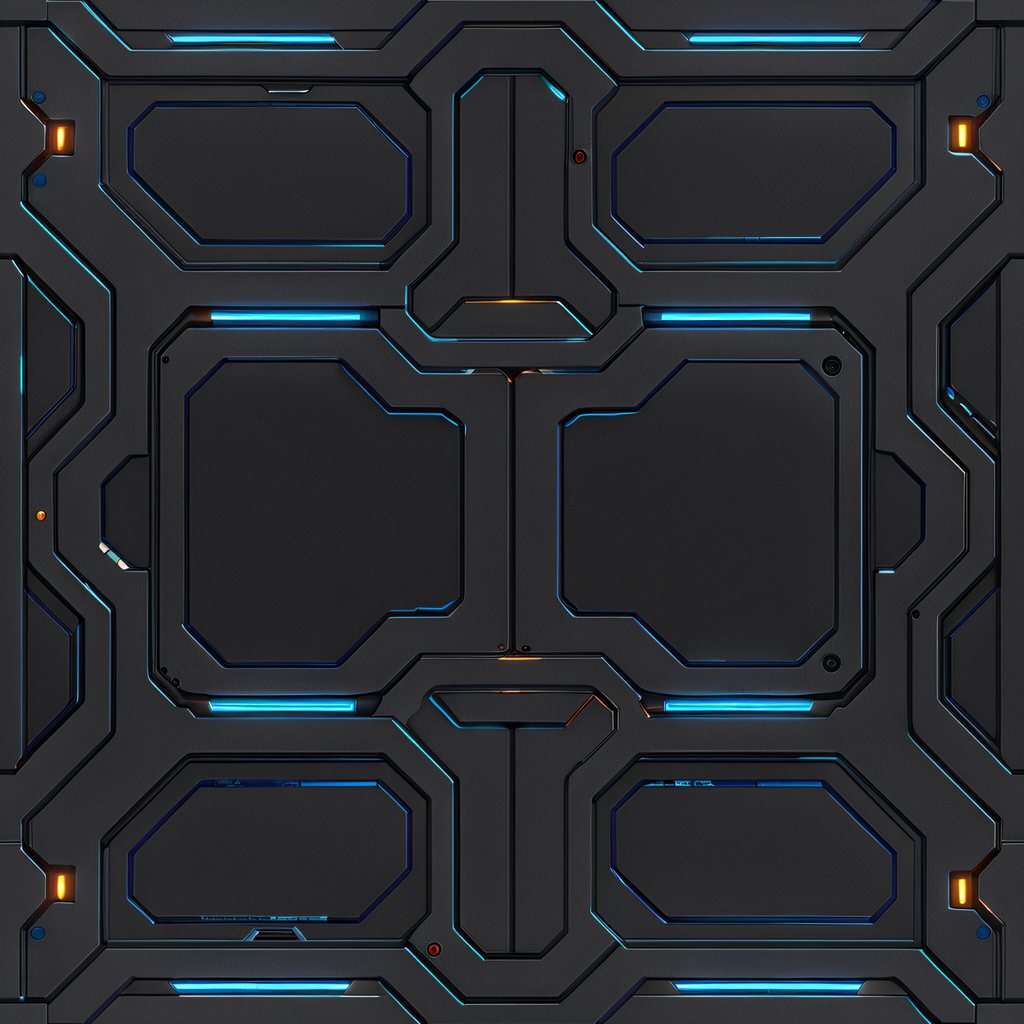
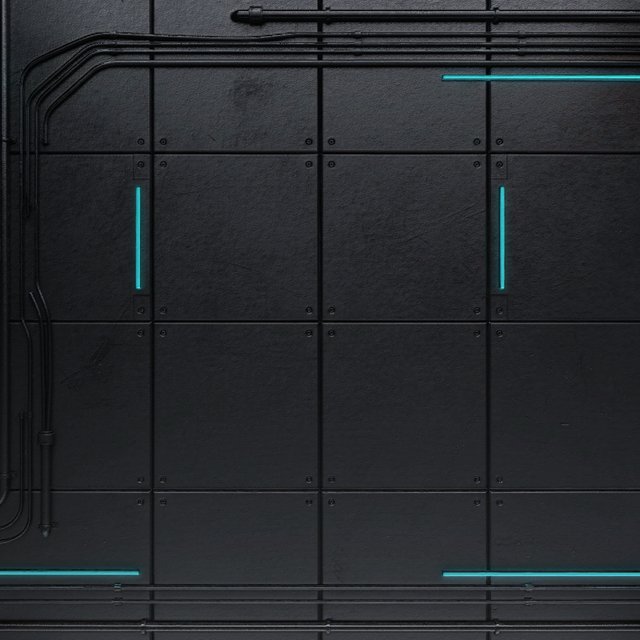
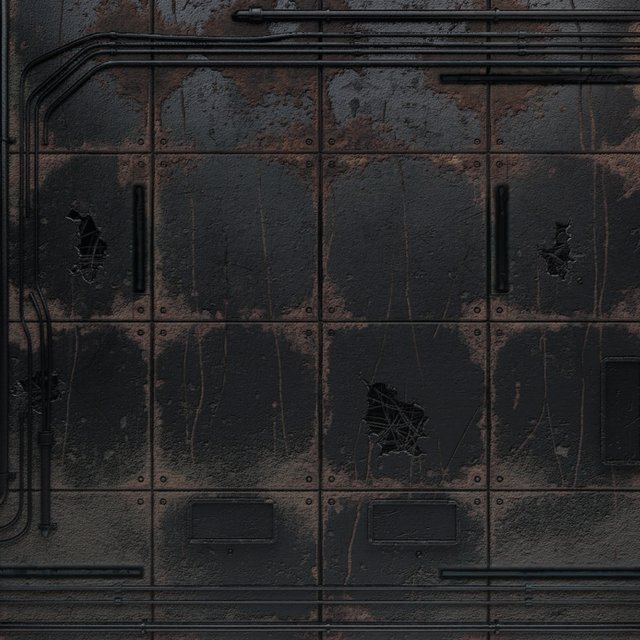
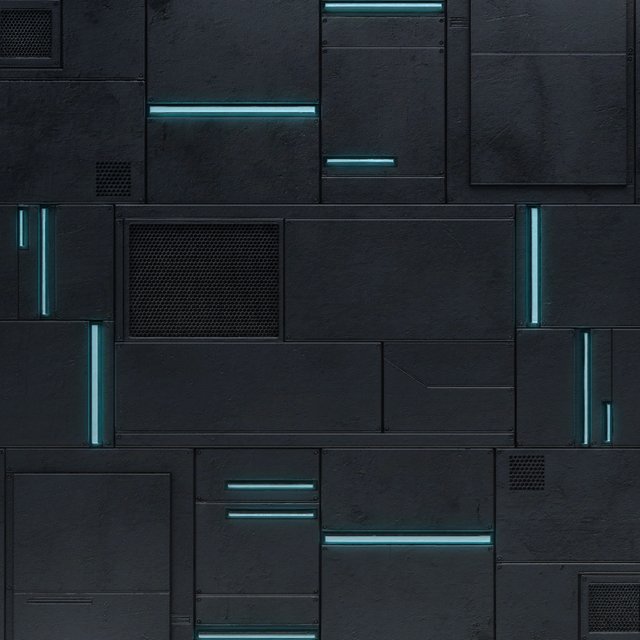
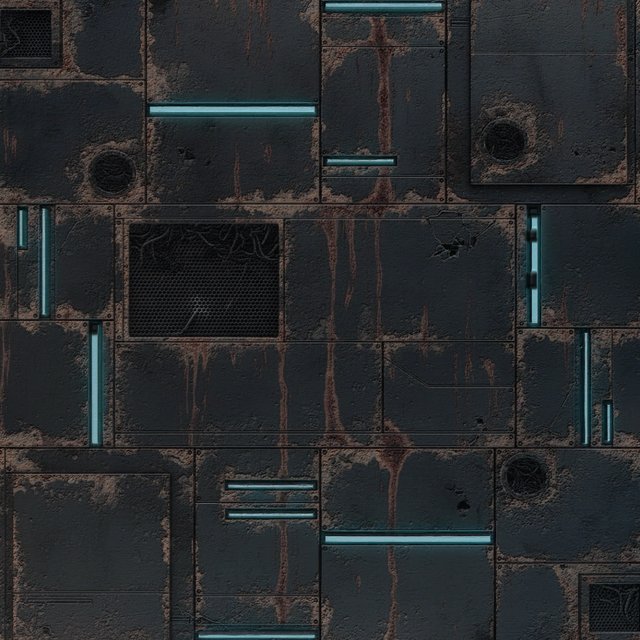
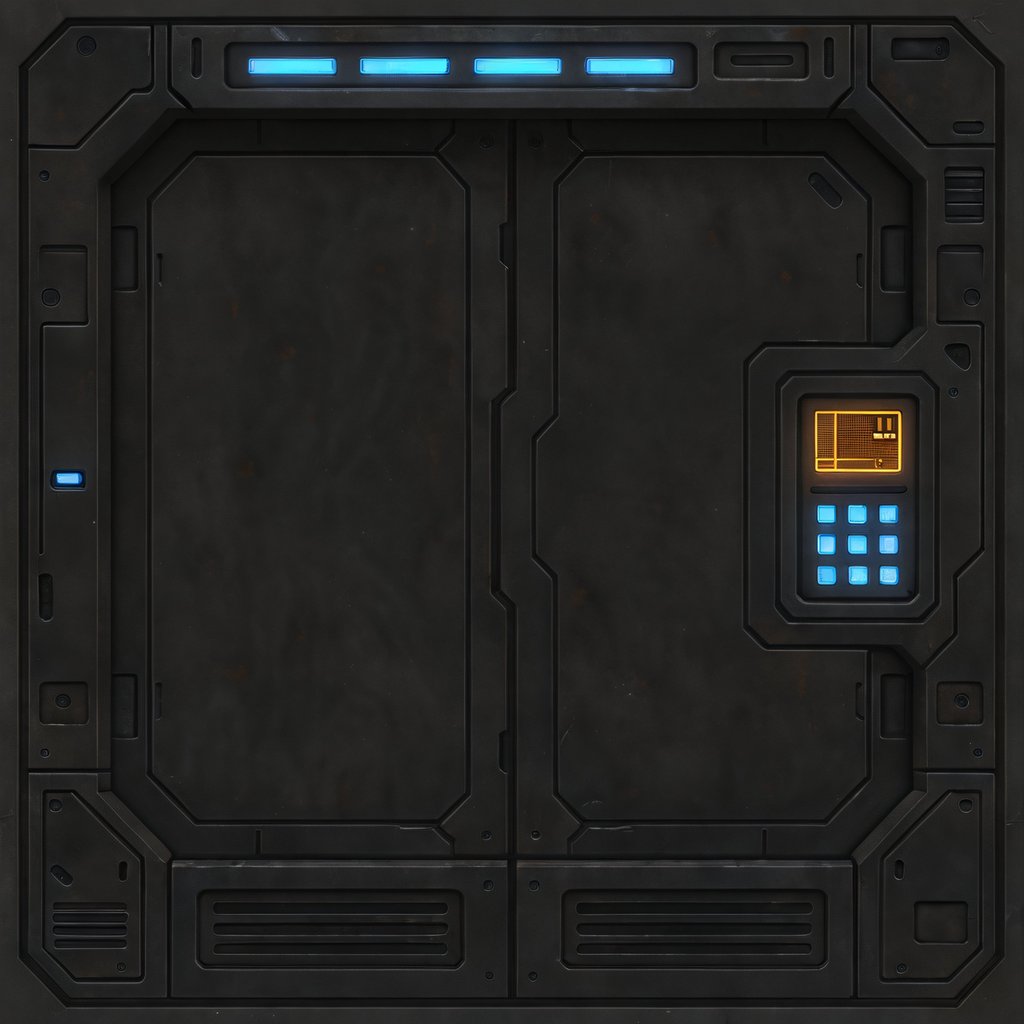
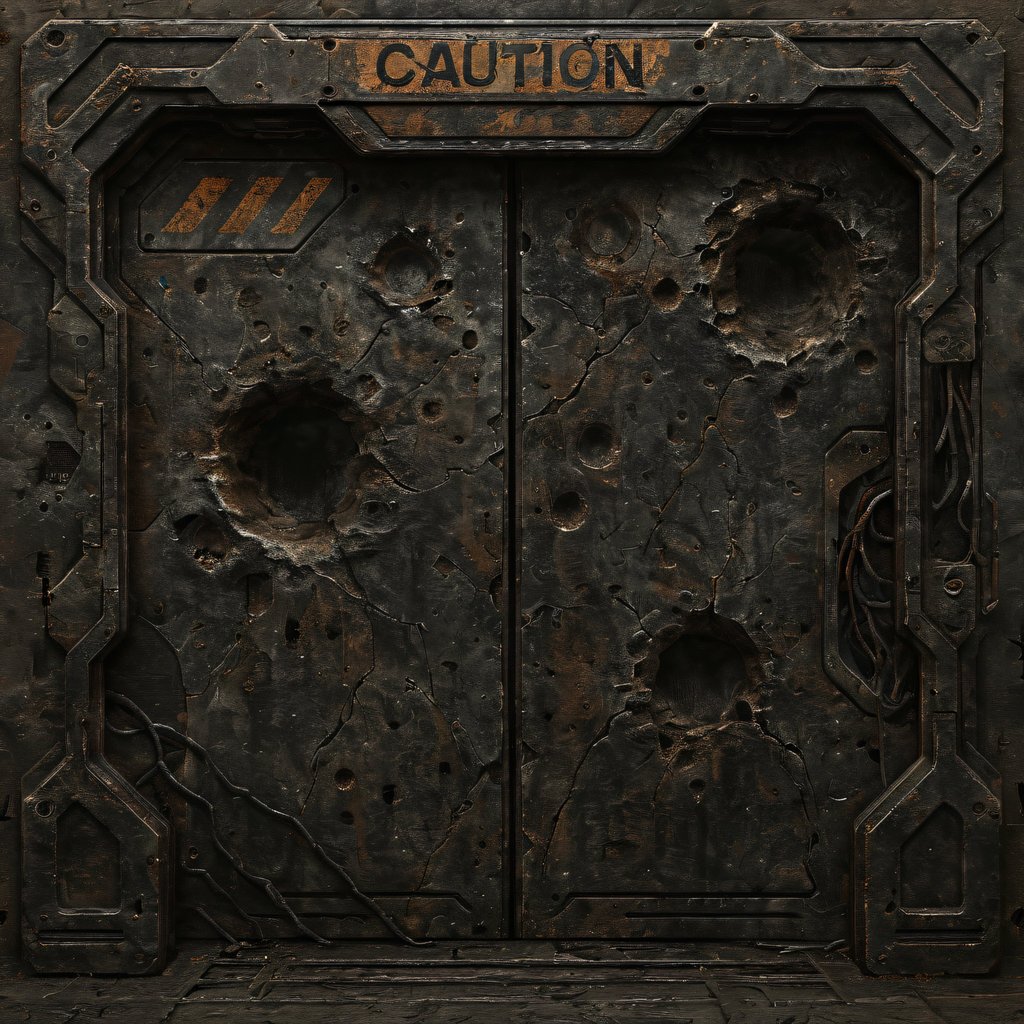
Assets produced by the Asset Factory pipeline. Click any tile for the full-resolution file exactly as it is stored in the repository.
Interactive Demo — Procedural Material
This is an illustrative demo, not the production pipeline.
Everything below is computed in your browser, in plain JavaScript on a
2D canvas: gradient (Perlin-family) noise with FBM octaves builds a
height field, a Sobel filter derives the normal map from
it, and a point light that follows your cursor shades the result
(Lambert + Blinn–Phong). It is deterministic — the same seed
and sliders always produce the same image. No network request is made,
no library is loaded, and nothing here is generated by the Asset Factory
models: the production pipeline combines diffusion-model synthesis, an
external 4K upscaling stage and .unitypackage packing. This
shows the principle, not the system.
—
Production Pipeline / Sample Output
Production PBR Pipeline: Procedural texture synthesis with multi-stage tiling verification and 4K upscaling for store-ready game assets. These are the actual steps behind the assets above:
- Base albedo synthesis: procedural base color at 1024×1024.
- Tiling verification: a wrap/offset test confirms the edges match seamlessly before anything else happens.
- Upscale to 4K: 4096×4096 through an AI upscaling stage. This step runs as an external tool in the production workflow — it is not a module inside the application (bringing it in-app is on the roadmap).
- Re-verification at 4K: the edge test is repeated on the upscaled material, because upscaling can reintroduce a visible seam.
- PBR map synthesis on the 4K material: Height, Sobel-filter Normal, Roughness, Metallic and Ambient Occlusion — computed after upscaling so micro-detail stays sharp.
- Export: automatic metadata and packing into a .unitypackage, with hand-written .meta files per map type (GUIDs + import settings).
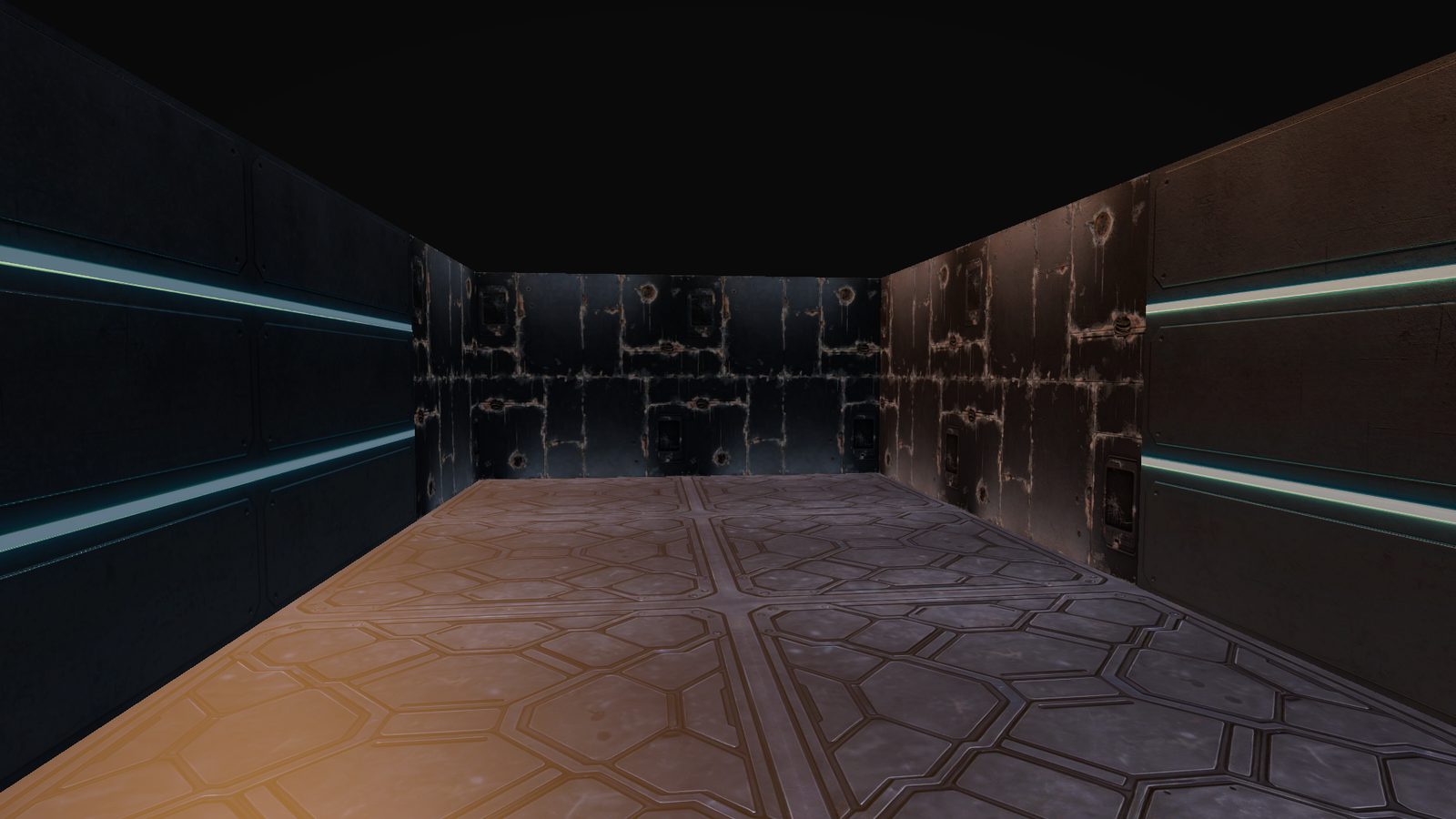
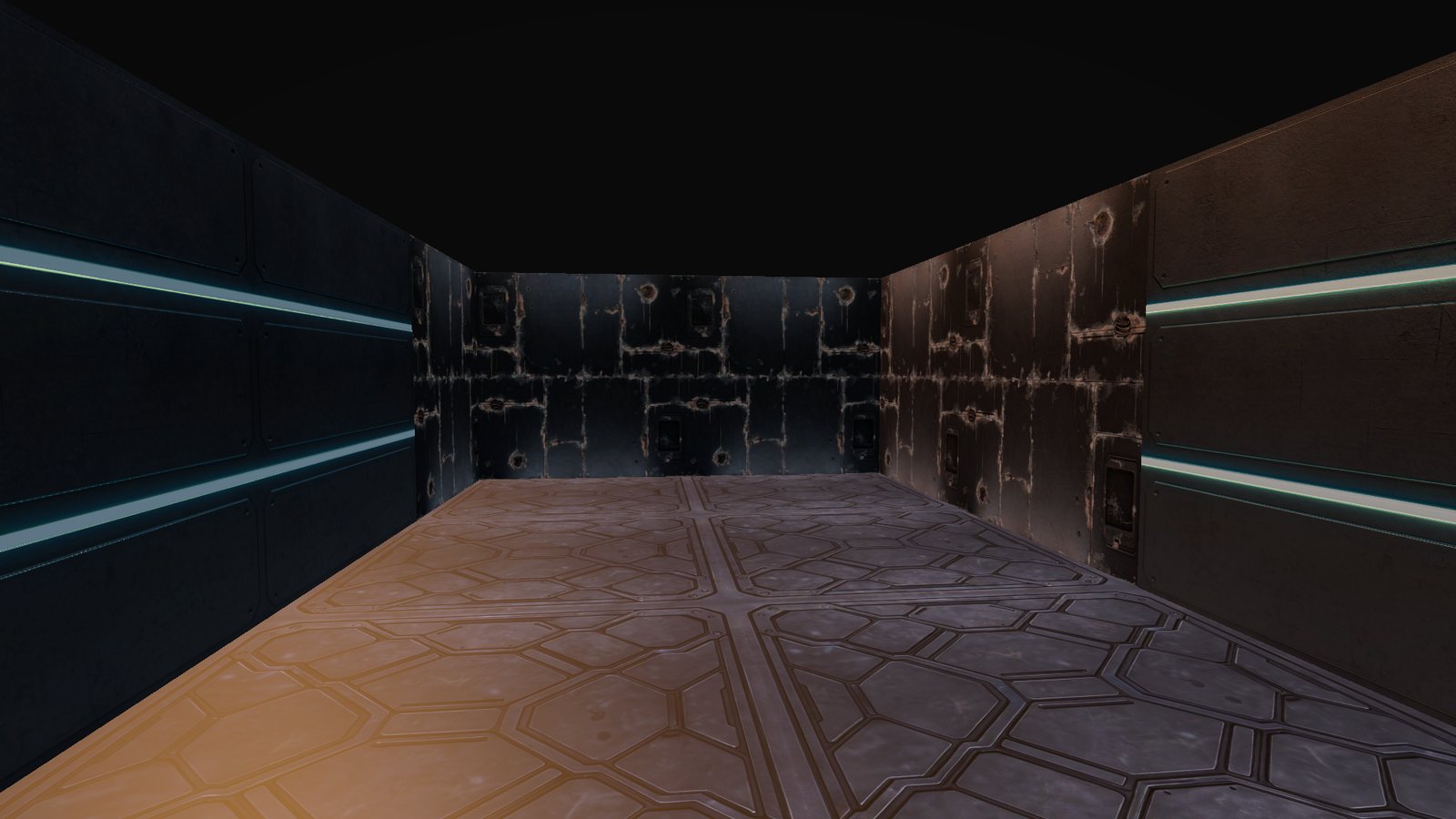
Unity Asset Store Key Images